In this article (6 sections)
What is CVE-2026-119977?
It is a weakness in the part of WordPress that installs core updates, not in a plugin or theme. That is why it matters to almost every WordPress site, including the many company websites, online stores and booking sites in the UAE built on it.
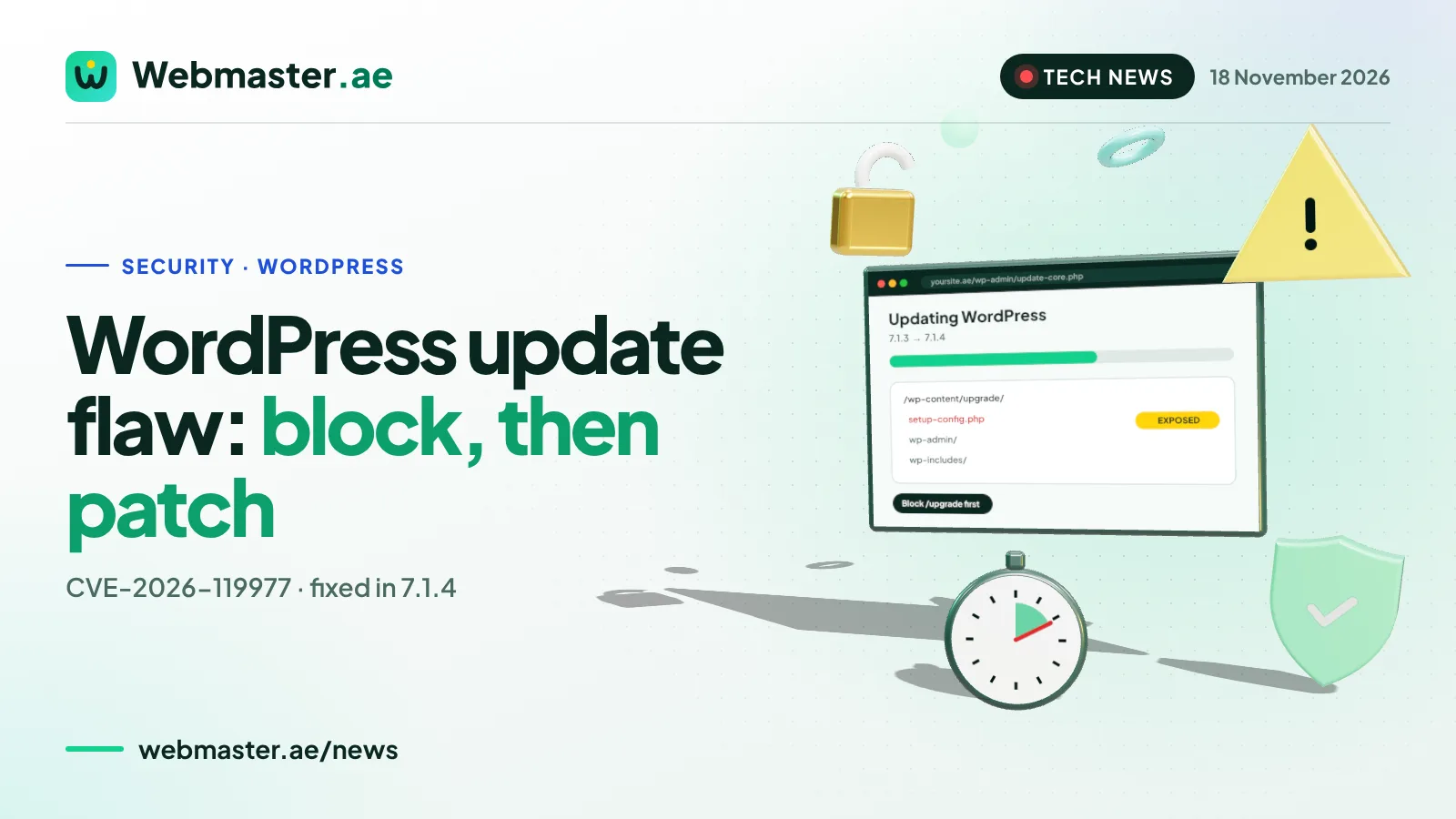
When WordPress runs a full-package core update, it unpacks the new release into a temporary folder under wp-content/upgrade. That copy includes the installer file setup-config.php, and for a few seconds it can be opened from the web. Because the temporary copy cannot see your real configuration file, it behaves as if this were a brand-new installation.
According to researchers’ write-ups summarised by the Cloud Security Alliance and Hackread, an attacker who reaches that file at the right moment can run the setup, point it at a database they control, create an administrator account and then upload a malicious plugin. The result is code running on your server with the web server’s permissions. No login is needed. The flaw was credited to researcher Umut Bayram of Picus Security.
8.1
CVSS score (High) in the CVE record
28 Oct 2026
WordPress 7.1.4 released
3 Nov 2026
added to CISA’s exploited list
4.7
oldest branch with a fix
Severity ratings differ. The CVE record gives it 8.1 (High), while WordPress’s own advisory rates it Low, mainly because the attacker has to win a race lasting seconds. In practice, automated scanners can keep trying at scale, which is what security firms are now seeing.
Is it being exploited?
There is clear evidence of attempts, and less evidence of successful attacks.
- CISA listing. On 3 November 2026 CISA added CVE-2026-119977 to its Known Exploited Vulnerabilities catalogue, citing evidence of active exploitation, and gave US federal agencies until 6 November to fix it.
- Attack traffic. Wordfence, as cited by the Cloud Security Alliance and Secure.com, reported more than 18,500 requests to staged setup-config.php paths within 21 hours, and 12,632 blocked attempts in a later 24-hour period. These figures use different time windows and count attempts, not hacked sites.
- Public code. In early November, code described by its authors as a working exploit appeared on GitHub, according to the Cloud Security Alliance.
- Confirmed takeovers. Secure.com reported that no confirmed takeovers had been made public, and the Cloud Security Alliance described evidence of successful compromise as limited.
Why is the update itself the risky moment?
This is what makes the flaw unusual. The fix in 7.1.4 changes how the updater works: it uses a random 16-character folder name, keeps the file that blocks folder listings, and no longer copies a staged wp-config.php over your real one. But the update to 7.1.4 is carried out by the old updater already on your site. So the very update that fixes the problem can open the window one last time.
Several details from the Cloud Security Alliance analysis matter for site owners:
| Situation | What it means |
|---|---|
| Updating across branches (for example 7.0.7 to 7.1.4) | Delivered as a full package, which includes the installer files |
| Updating within a branch (7.1.3 to 7.1.4) | Offered as a partial package, which is less exposed |
| Checksum failures or a reinstall | Fall back to a full package |
| Automatic background updates | Ran on WordPress’s schedule, often with nobody watching |
| WP-CLI (wp core update) | Uses the same updater and the same temporary folder |
| WordPress 4.6 or older | Vulnerable and no fix is available |
How do you patch safely?
If a developer, agency or hosting company manages your site, send them this section and ask them to confirm each step in writing.
- 1
Back up files and database
- 2
Block /wp-content/upgrade/ in the web server or firewall
- 3
Test that the folder returns 403
- 4
Update to 7.1.4 or your branch’s security release
- 5
Confirm the version under Dashboard, Updates
- 6
Check users, plugins and files
The Cloud Security Alliance gives these examples for blocking the folder:
- Nginx: add a rule such as location ^~ /wp-content/upgrade/ { deny all; } and reload.
- Apache (virtual host): a Directory block for that folder with Require all denied.
- Apache (.htaccess in the site root): RedirectMatch 403 ^/wp-content/upgrade/ placed above the WordPress rewrite rules.
If you cannot change the server configuration, for example on some shared hosting plans, ask your host whether their firewall already blocks these requests, or update manually by uploading the new files outside the web root and copying them in, leaving wp-content and wp-config.php untouched. Sites still on WordPress 4.6 or older will not receive a fix and should be moved to a supported version.
How do you check whether your site was hit?
Updating closes the hole but does not remove anything an attacker may already have added. The Cloud Security Alliance and Secure.com suggest these checks:
After-patch checks
0/7 done
For businesses in the UAE, a hacked site can mean more than downtime: payment pages can be changed, contact forms can leak customer details, and Google can flag the site as unsafe. If customer personal data may have been exposed, speak to your legal adviser about your obligations.
What should UAE businesses do this week?
- Find every WordPress site you own. Include old campaign microsites, staging copies and country sites. Forgotten installs are the ones that miss updates.
- Ask who updates them. If the answer is “automatic updates”, check that they actually ran and that the folder block is in place.
- Check the version. Anything below 7.1.4, or below the latest security release of an older branch, needs attention now.
- Plan for the busy season. White Friday, UAE National Day and year-end sales bring traffic and attackers. Do the update and checks before your campaigns start, not during them.
- Keep a maintenance routine. A monthly check of updates, users, plugins and backups catches most problems early.
Frequently asked questions
What is CVE-2026-119977?
It is a race condition in the WordPress core updater. During a full core update, a copy of the installer (setup-config.php) is briefly reachable under wp-content/upgrade, and an attacker without an account who reaches it in time can take over the site and run code on the server.
Which WordPress versions are affected?
Versions before 7.1.4 are affected. WordPress released 7.1.4 on 28 October 2026 and security releases for every branch from 4.7 onward. Versions 4.6 and older are also vulnerable and will not receive a fix.
Is the WordPress update flaw being exploited?
CISA added it to its Known Exploited Vulnerabilities catalogue on 3 November 2026, and security vendors report thousands of automated attempts. At the time of writing, no confirmed takeovers had been made public.
Is it enough to turn on automatic updates?
Automatic updates deliver the fix, but the update to 7.1.4 still runs the old updater. Blocking web access to /wp-content/upgrade/ before the update closes that last window, and you should still check the site afterwards.
How do I block /wp-content/upgrade/?
On Nginx, use a location rule that denies all requests to that folder. On Apache, use Require all denied in the server configuration or a RedirectMatch 403 rule in the root .htaccess file. Do not put the rule inside the upgrade folder itself, and confirm the folder returns 403.
How can I tell if my WordPress site was hacked through this flaw?
Look for unknown administrator accounts, plugins you did not install, PHP files under wp-content/upgrade, and changes to wp-config.php. Search access logs since 28 October 2026 for requests to setup-config.php under wp-content/upgrade, especially ones that returned 200.
Webmaster.ae
Get UAE tech news in your inbox
One short email a week: the UAE tech, AI, e-invoicing and Google updates that affect your business, and what to do about them.
Sources
- Cloud Security Alliance — When Patching Is the Attack Window: WordPress CVE-2026-119977 (9 November 2026)
- Secure.com — CVE-2026-119977: The WordPress Bug That Only Exists While You Patch
- Hackread — CISA Warns Hackers Are Exploiting 18-Year-Old WordPress Core Vulnerability
- Tech Insider — WordPress CVE-2026-119977: CISA Sets Nov. 6 Deadline
Rules and prices change. We review this article regularly; last checked 18 November 2026.
Webmaster.ae Editorial Team
Engineers, designers and marketers in Dubai. We design, build, host and grow websites, apps and AI automations for UAE businesses — and write about what we learn doing it. About us